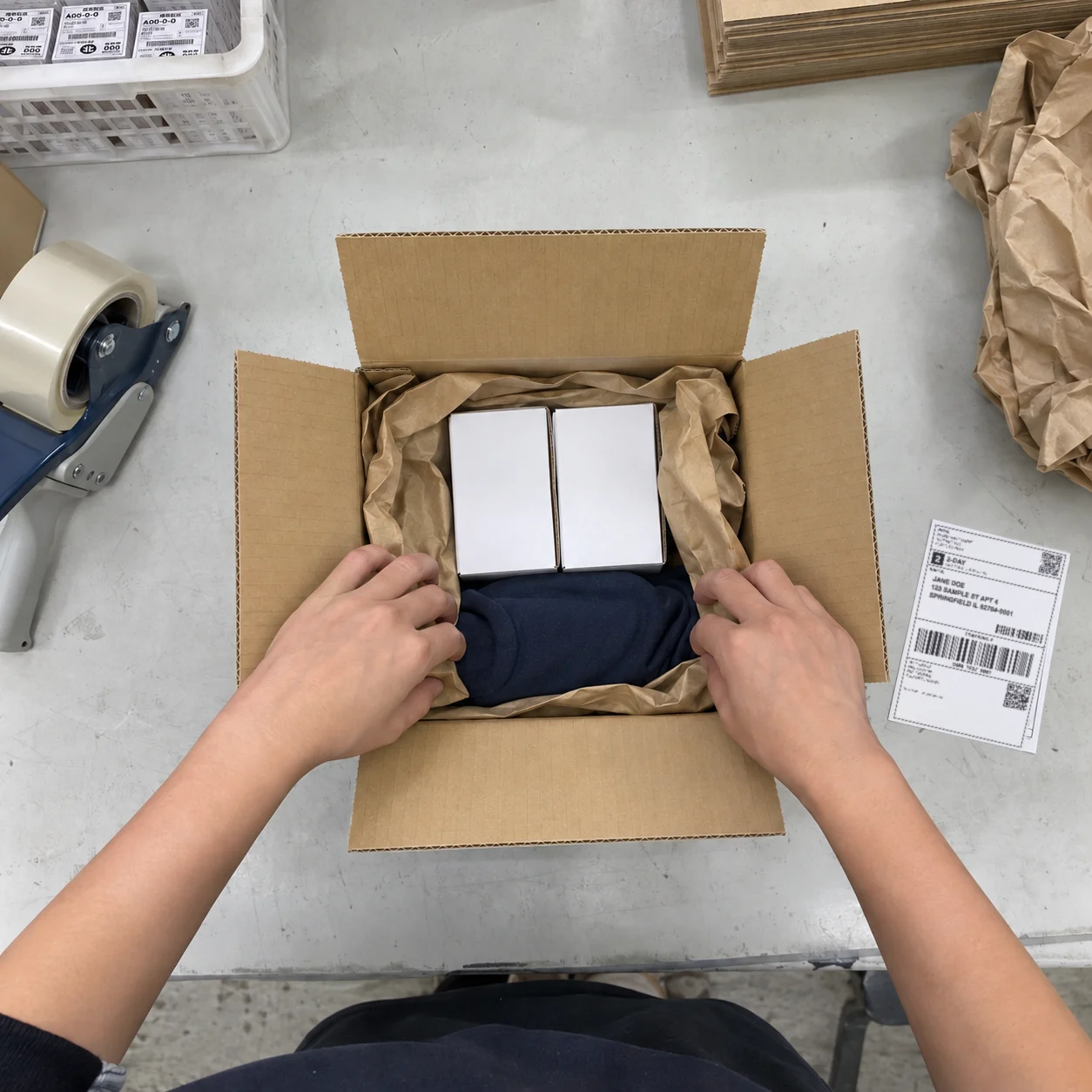
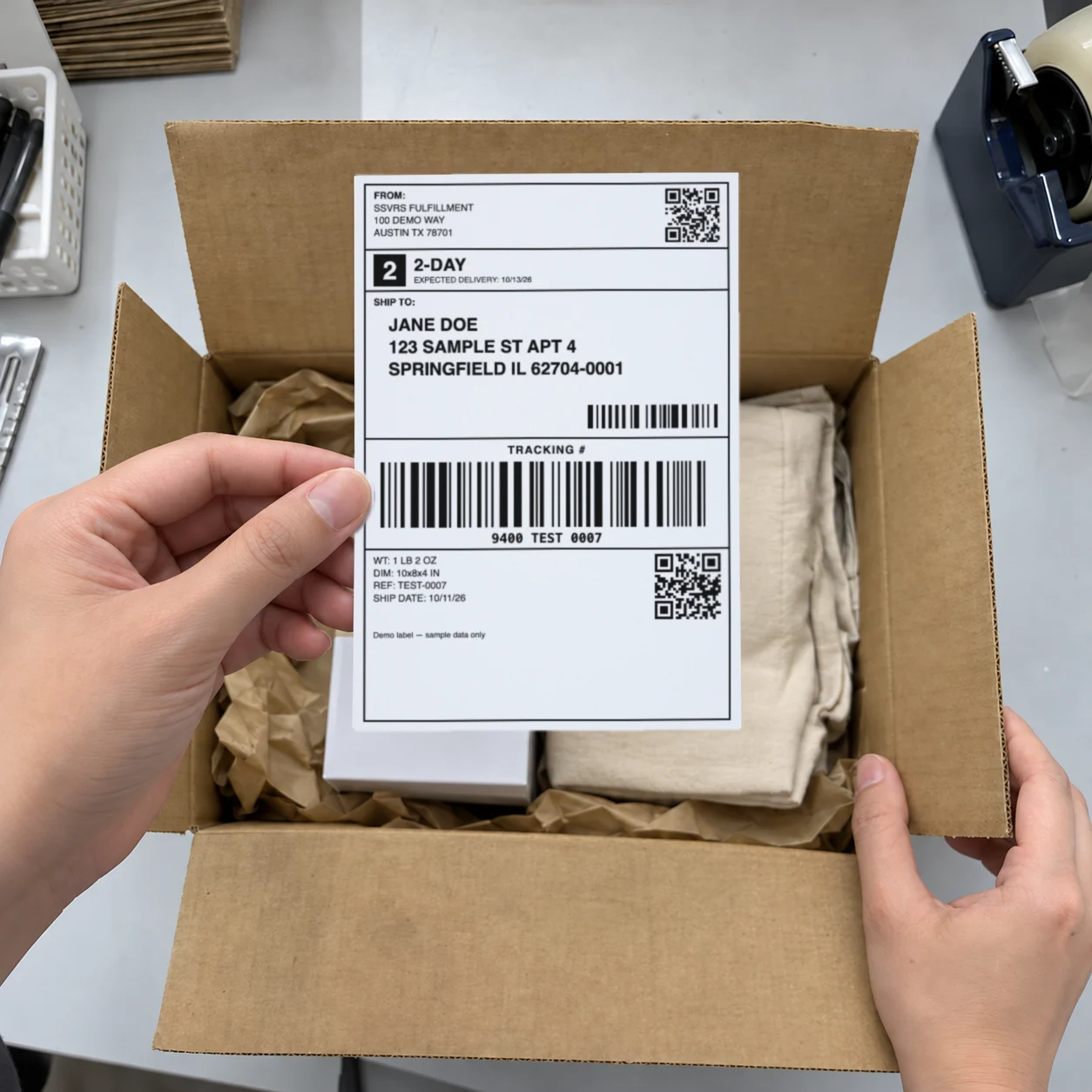
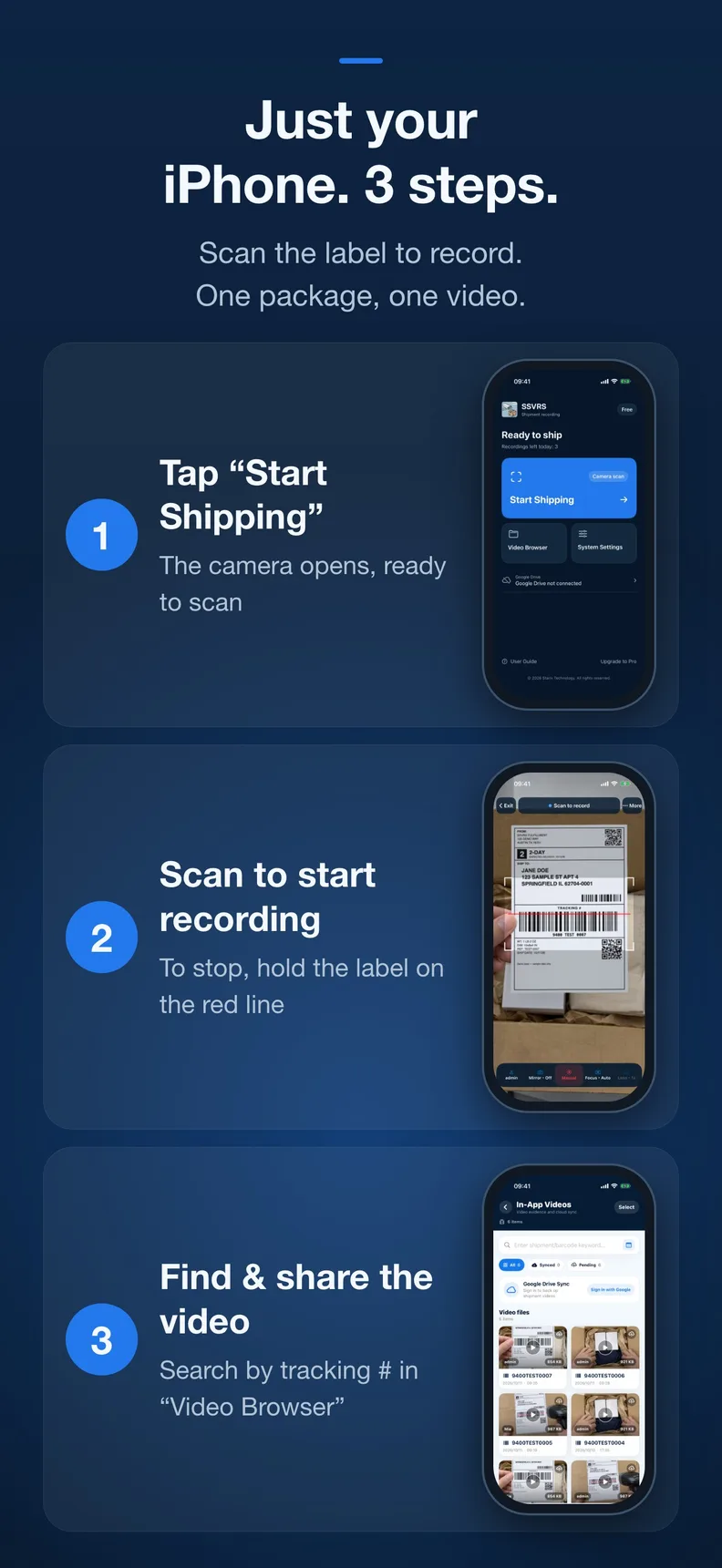
See how to find a package, start the next recording and share a video in this 29-second walkthrough.
Read the video description
A package is packed. Three days later, a customer asks about its contents. Search its tracking number to retrieve the recording. The demo then shows scan-to-record, the date and tracking watermark, stopping and saving, sharing, and setting up automatic backup. Free users can save 3 videos per day; Pro removes the daily recording limit.
Illustrative scenario · This is a preview of an unreleased update. The App Store currently offers the published version.
02 — The work doesn’t always end at dispatch
Minutes to pack. An evening to find the footage.
Every box looks the same in your camera roll. When someone asks about theirs, “I remember” only gets you so far.
With a regular camera
—IMG_1234. Which order was that?
—Several packages in one long clip.
—Manually match the time, person and order.
With SSVRS
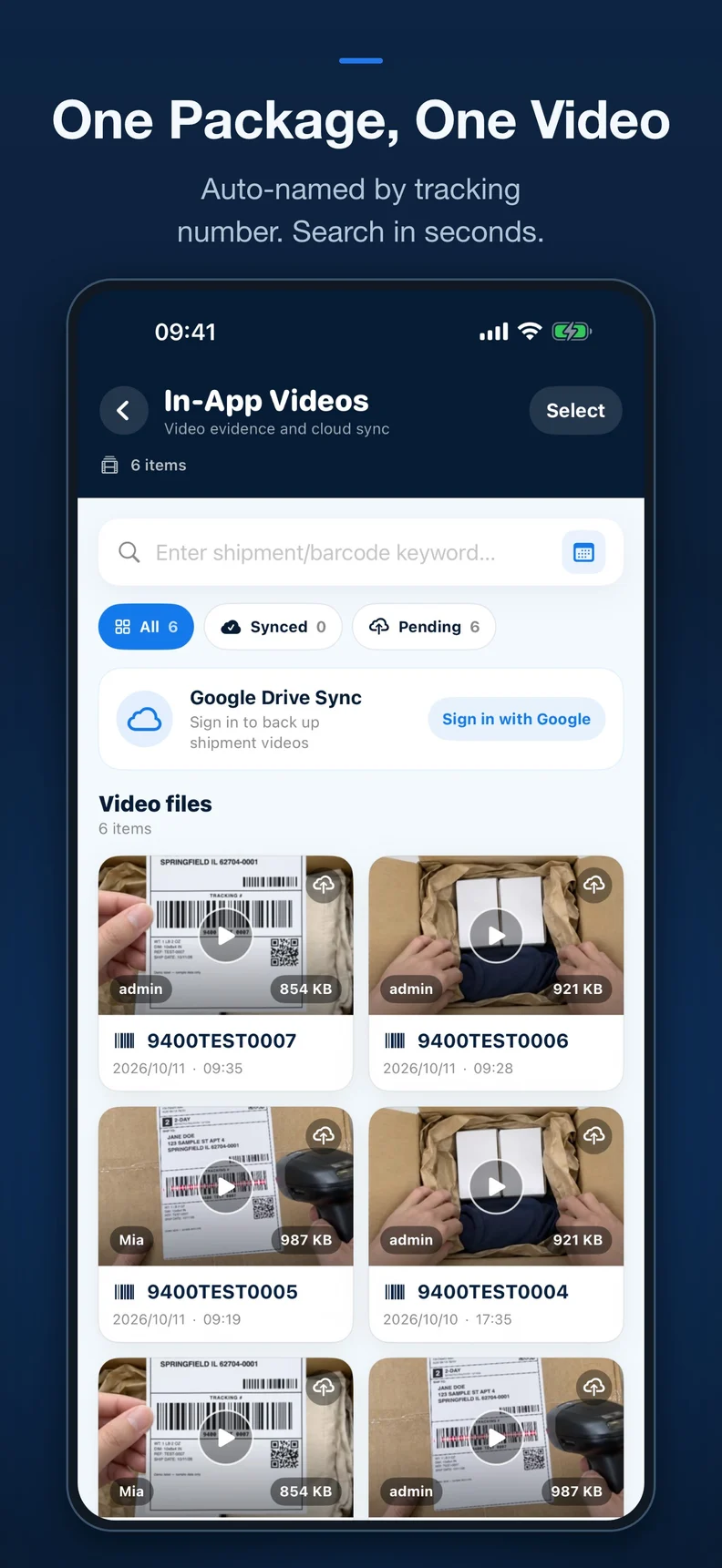
One video, named by tracking number.
Search with just part of a tracking number.
Date, time, operator and number on the video.
Try finding that package
Sample data
Try 007, 006 or admin. This is an interactive illustration.
1 matching records
TEST000710/11 · 09:35 · adminOne order. One recording.
03 — Set up your phone. Start with your next package.
Scan it. Pack it. Find it.
From the first recording to the first customer question, it all starts on your iPhone.
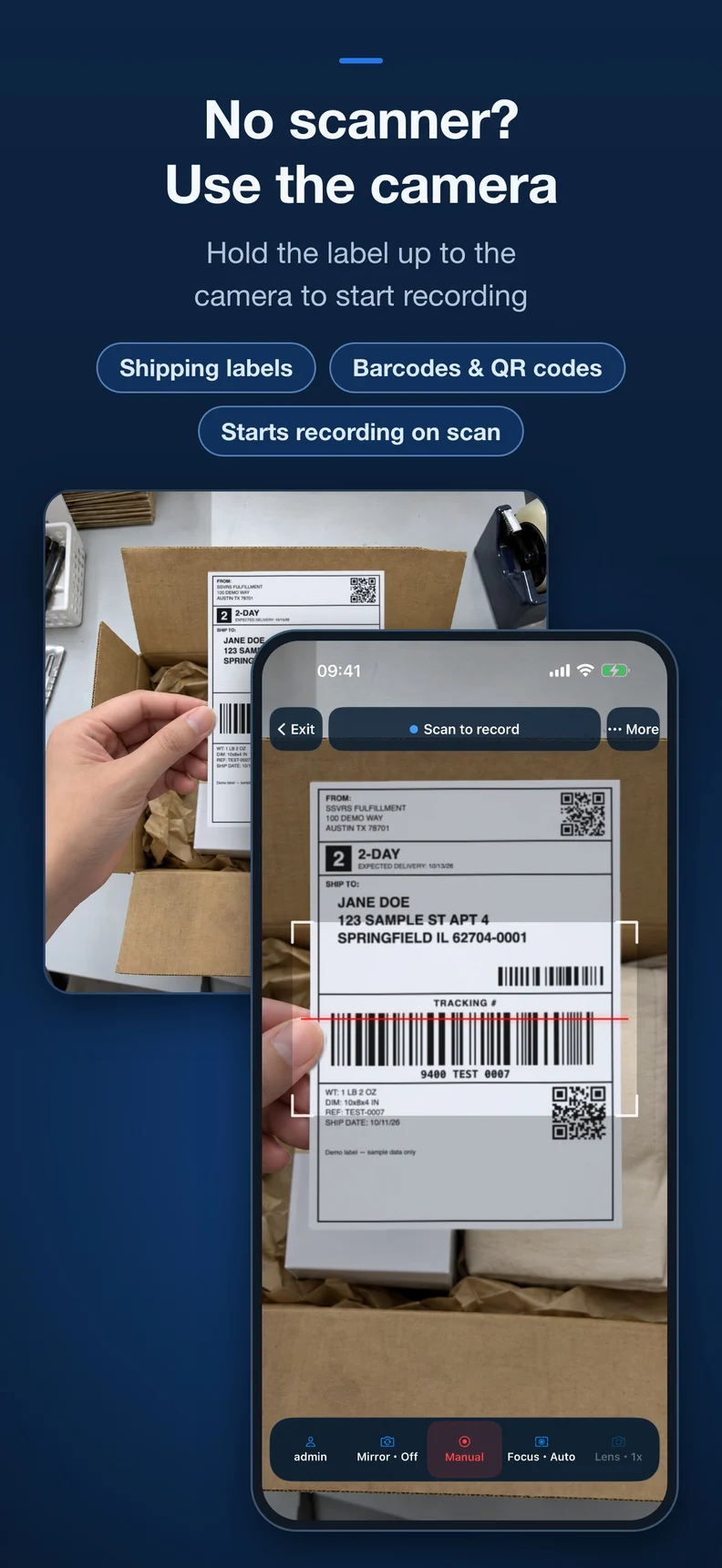
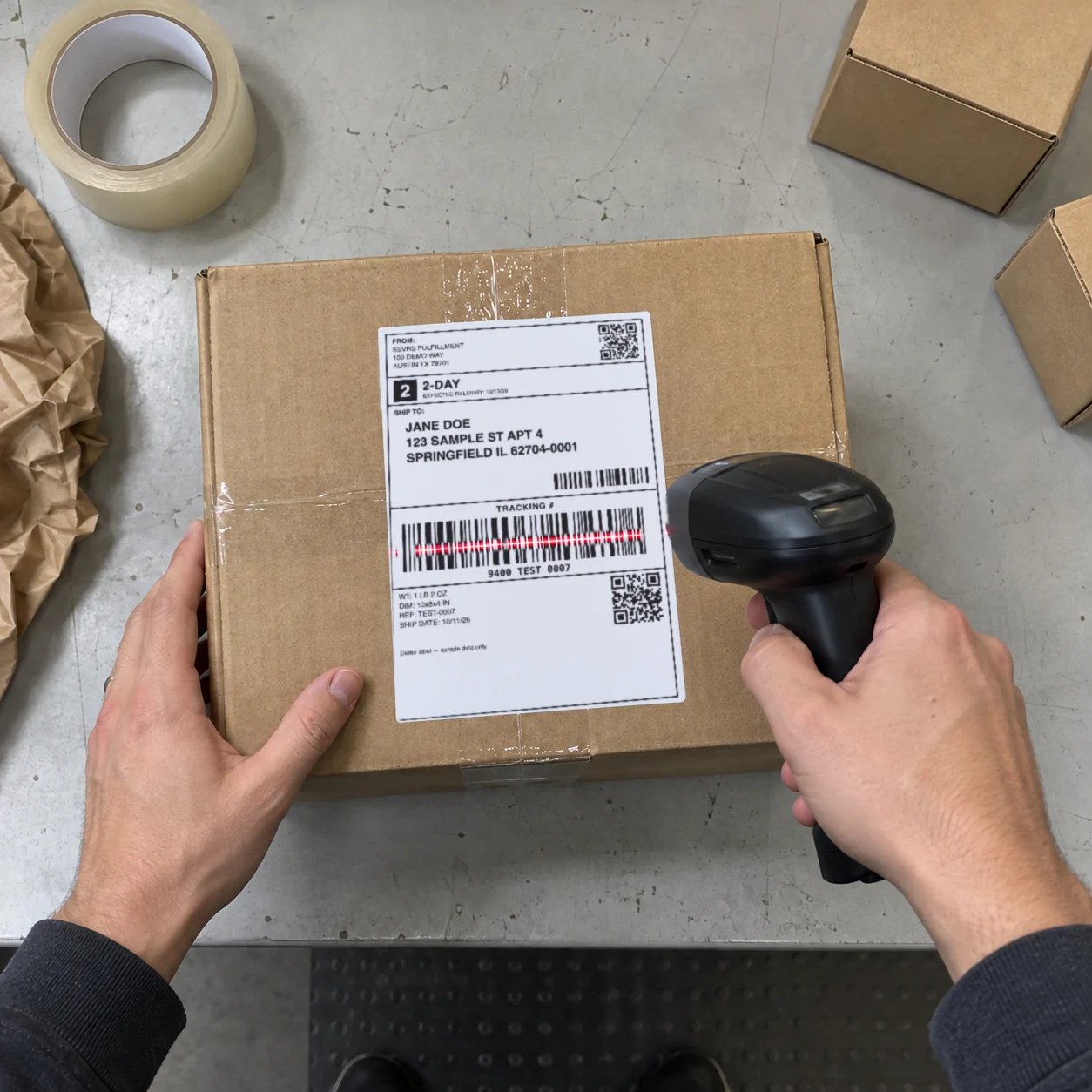
No scanner needed to get started.
Open “Start Shipping” and hold the tracking barcode in view. Recording starts automatically when the code is recognized.
Start with just your iPhone, or add a compatible scanner to suit your packing routine.
The free allowance refreshes daily. Check the app for your remaining videos. Pro renews automatically; cancel in your Apple account’s subscription settings. Current pricing is shown in the app.
This is a preview of an unreleased update. The App Store currently offers the published version.
05 — More hands packing? Make room to grow.
One packing table? iPhone. A whole team? SSVRS for Windows.
Choose the number of stations working at the same time.
Start with a single packing table
An iPhone on a mount suits solo sellers, small studios and mobile recording. For multiple camera angles or picking checks, consider Windows too.
No. Your iPhone can scan a shipping label to start recording. If you already have a scanner or want to add one, ask us about suitable models.
02How do I finish one package and start the next?
Tap Stop when packing is finished. Confirm that the video has been saved before starting the next package. Separate recordings make each shipment easier to find.
03What should I keep in mind while recording?
Keep the items, box and shipping label in view. Leave the app open without switching to another app. Recordings contain video without sound.
04Can one subscription record on several phones at once?
Each Pro subscription allows one device to record at a time. For teams and multiple packing stations working together, explore the Windows version or talk to us about a suitable plan.
05Which devices can I use?
SSVRS supports iPhone and iPad. There is currently no Android version. Check the App Store to confirm that your device is compatible before downloading.
06Where are my recordings saved?
Videos stay on your phone. You can also choose Google Drive or iCloud Drive to back them up to your own space. For backup, keep the app open and online, with enough cloud storage available.
Give your next package a video to come back to.
SSVRS packing video recorder · Search SSVRS on the App Store
View on the App StoreFree: 3 saved videos per day · Subscribe to Pro for no daily limit