🚀 Scan & Record, Easy Proof
The core philosophy of the SSVRS system is simplicity, speed, and reliability. With just three easy steps, you can complete video recording of your package shipments, safeguarding the rights of both buyers and sellers.
1. Start Shipping, Prepare to Scan 📦
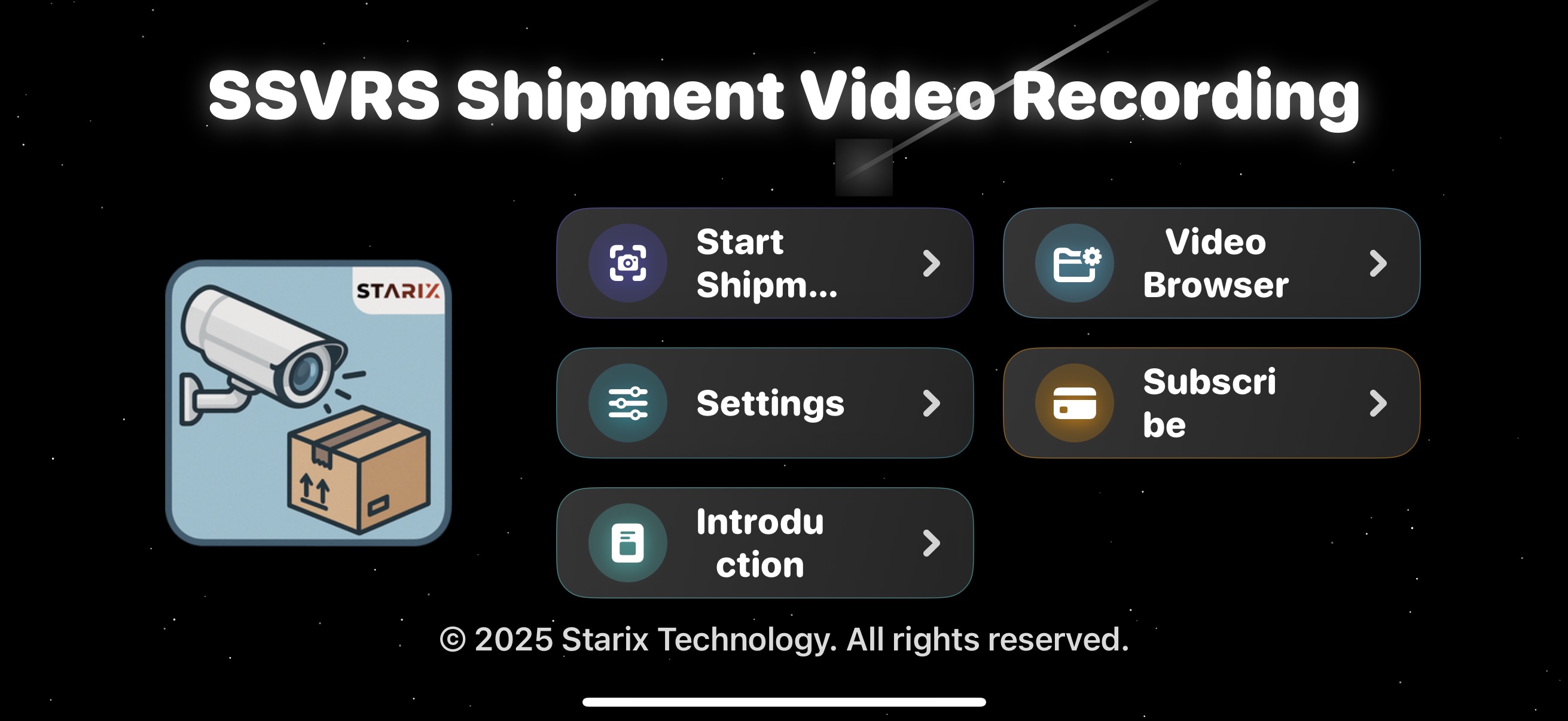
From the App's main screen, tap "Start Shipping," and the system will immediately activate camera scanning mode.
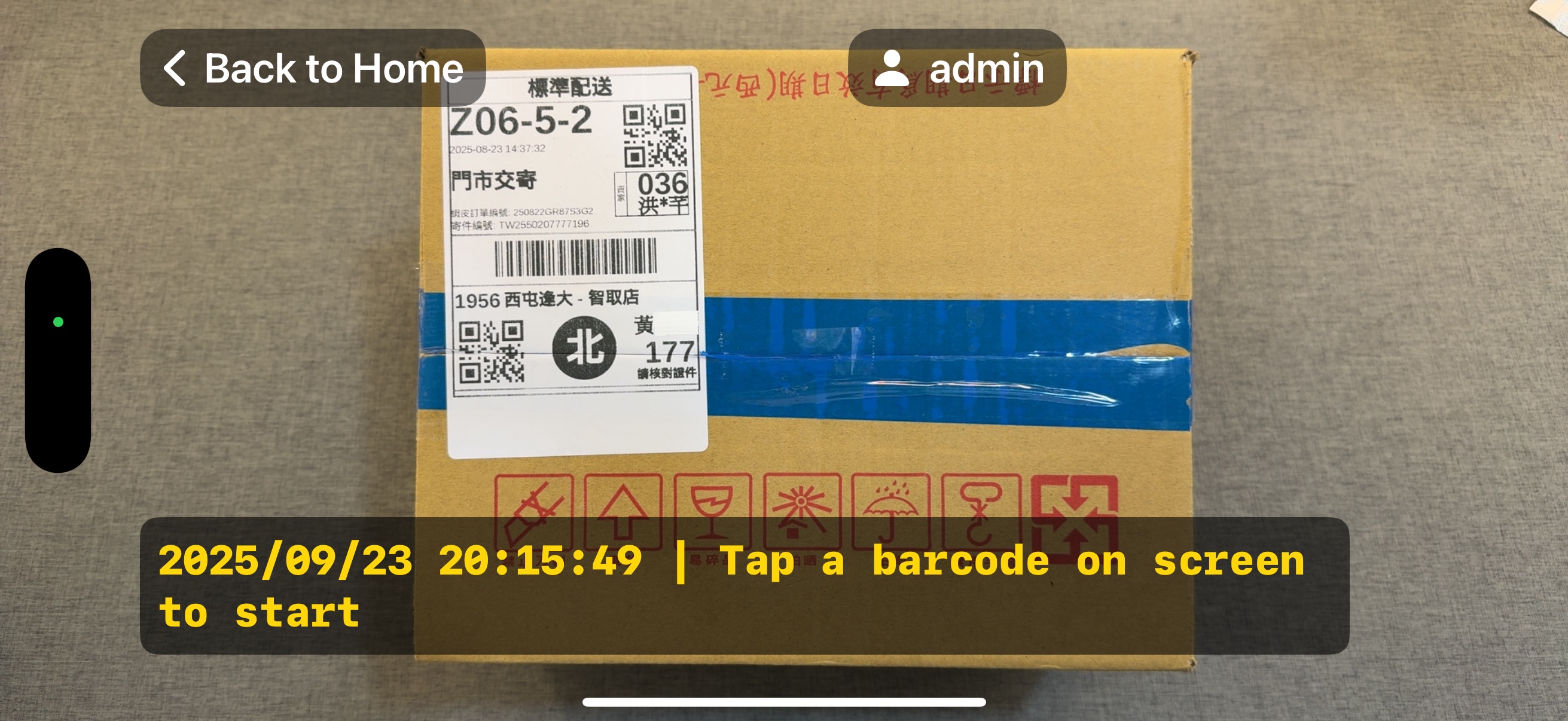
Point the camera at the logistics barcode on the package. The App will prompt you with "Please tap the barcode on the screen to start recording."

📦 Professional Seller's Assistant: You can also enable "Use External Scanner" in "System Settings" to directly scan barcodes with a Bluetooth scanner to trigger recording, significantly boosting efficiency for bulk shipments!
2. Confirm Order Number, Start Recording 📲
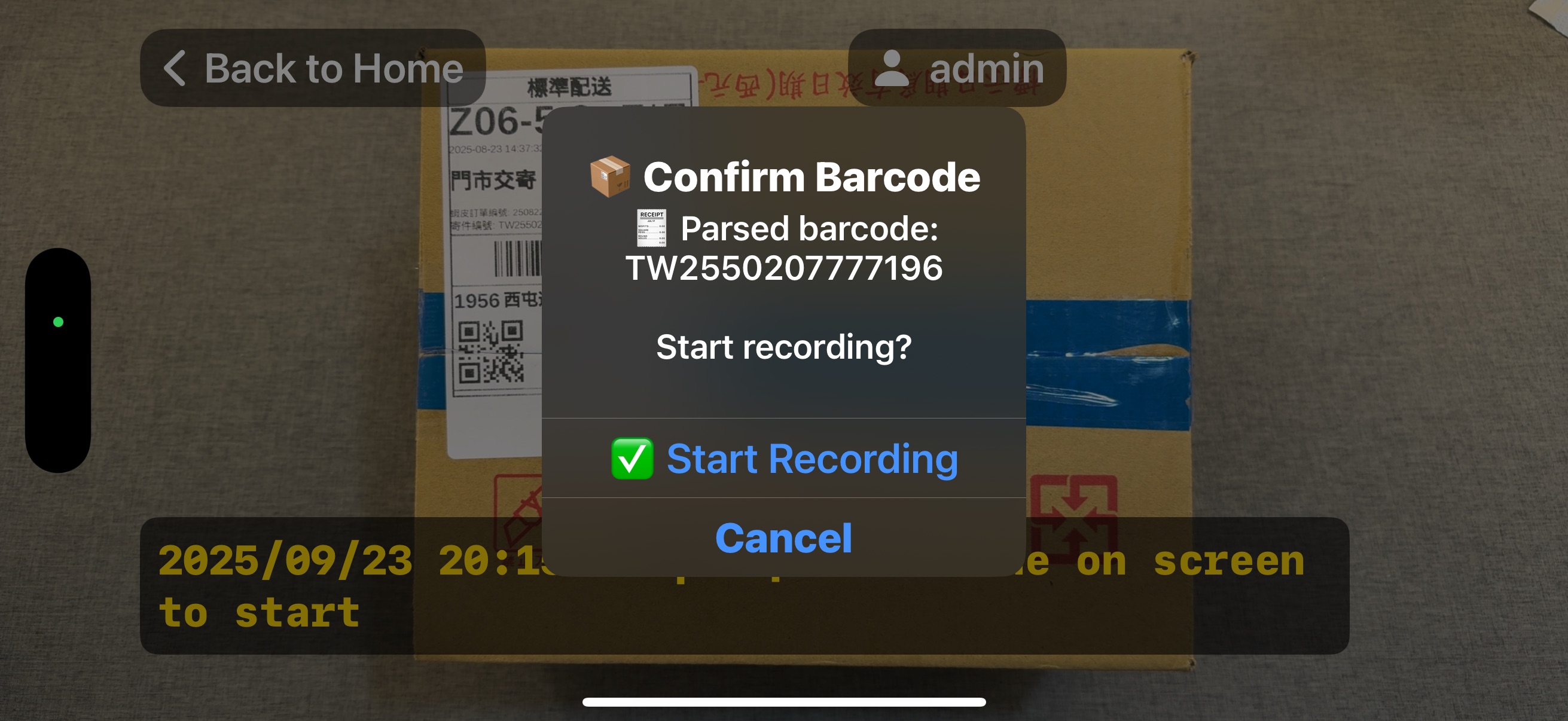
After tapping the barcode or scanning with an external scanner, the system will automatically parse and display the logistics order number. After confirming it's correct, tap "Start Recording" to begin.
3. Video Evidence, Information Synchronization 📹
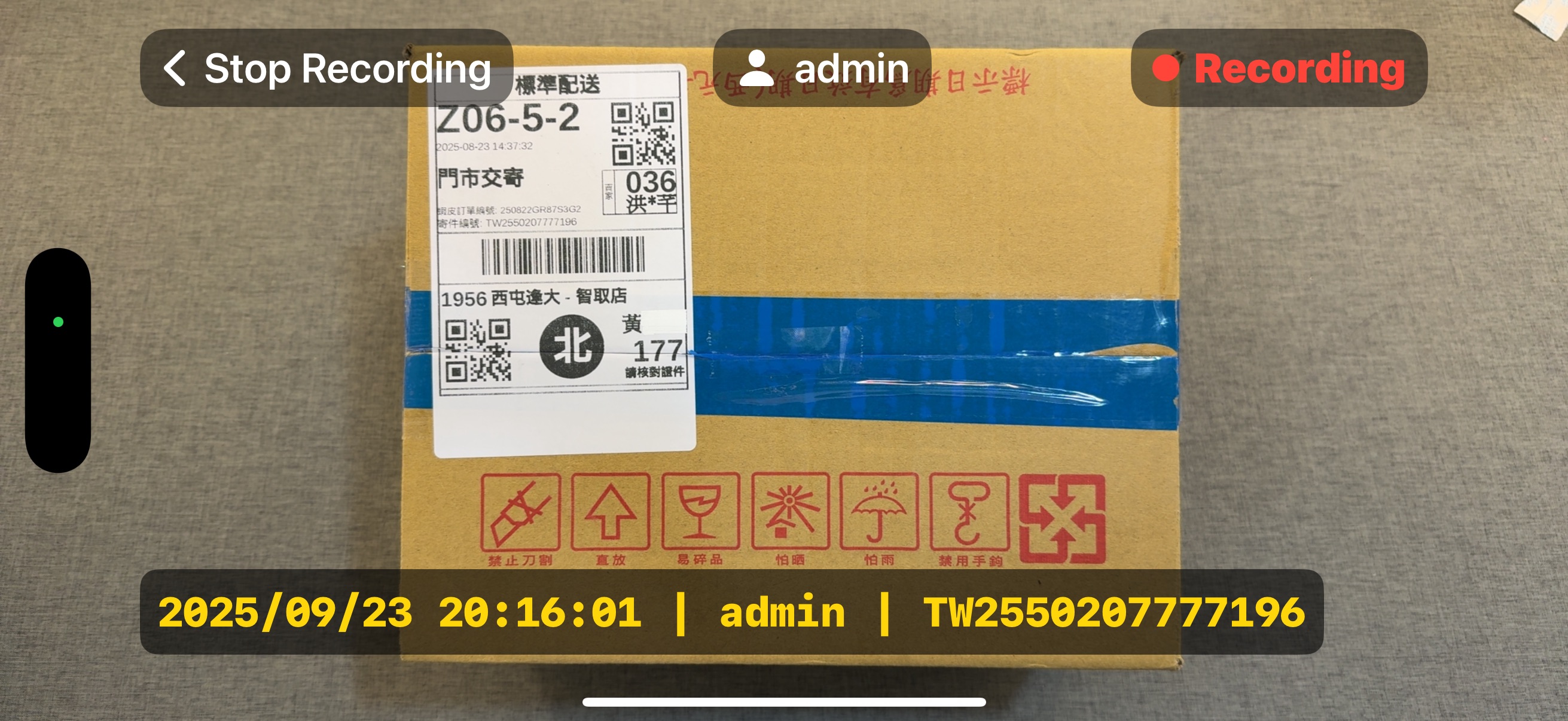
During recording, critical information such as "Date, Time, Operator, Logistics Order Number" will be overlaid on the screen as a watermark in real-time, ensuring the video's impartiality and traceability. After completion, tap "Stop Recording" in the top-left corner to save.
4. Smart Management, Always Accessible 🗂️
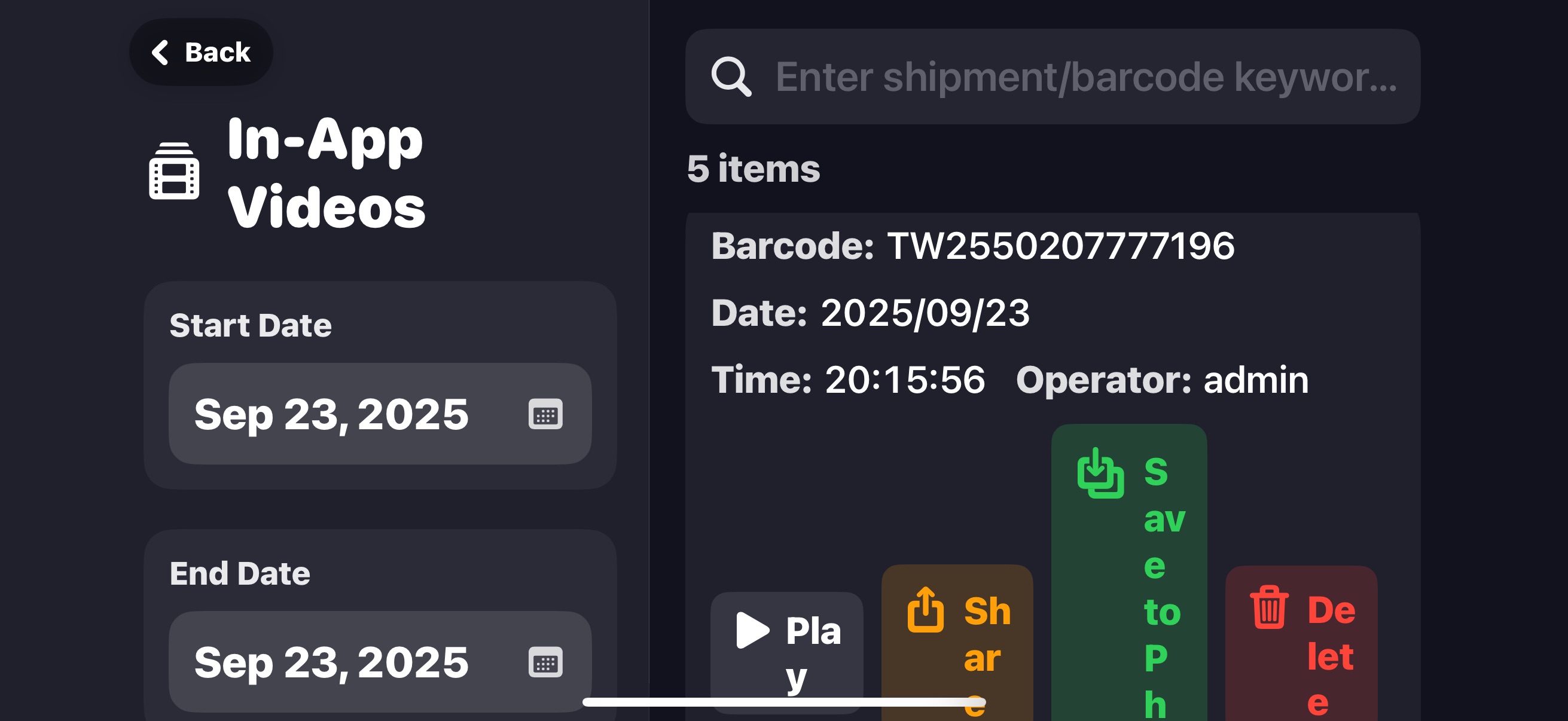
All recorded videos are securely stored according to their logistics order numbers. You can access them anytime via the "Video Browsing" feature, searching by date or keyword, playing, sharing, or saving them to your phone's photo album.
⚙️ Comprehensive System Settings
We offer a variety of settings to make the App better suit your usage habits:
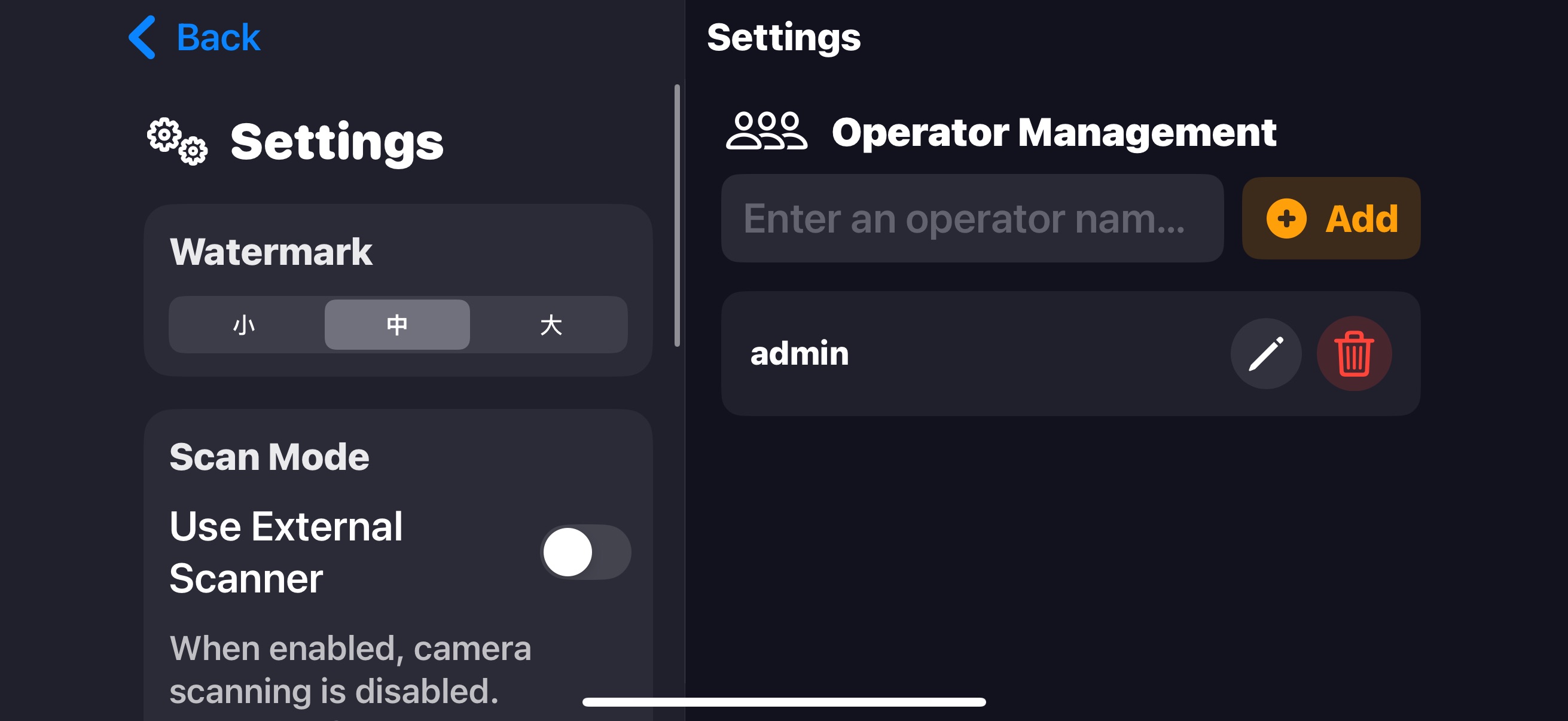
- Operator Management: Add multiple operators for clearer assignment of recording logs.
- Automatic Video Cleanup: Set video retention days to automatically free up storage space.
- Watermark Size Adjustment: Adjust the size of the on-screen watermark as needed.
- External Scanner Support: Switch to using a Bluetooth scanner to improve efficiency for bulk shipments.
💌 Bug Report & Feature Wishlist
Your suggestions are our driving force for improvement! Whether you've found a bug, encountered operational issues, or wish for new features, feel free to contact us anytime!